

A new dimension for your sheet music
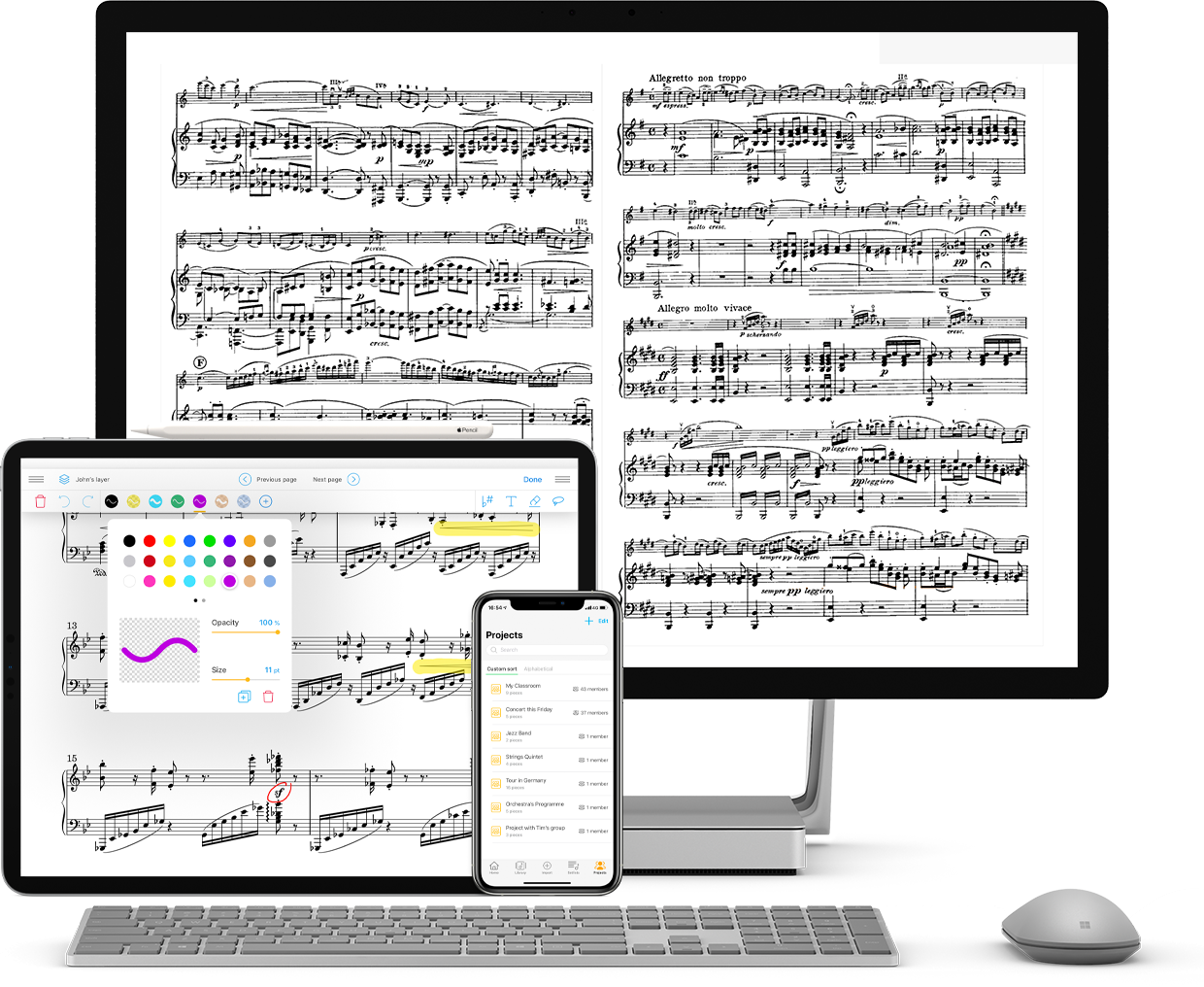
Centralize, organize, and distribute your library from any computer.
.png)
4.7 on the Apple Store
500,000 users
Over 150 institutions trust us (opera houses, ensembles, schools)
14 million scores managed
No installation required; available on any browser ( Windows and macOS)
The control center of your library
On a computer, Newzik Web is designed to classify, edit metadata, prepare projects, and quickly distribute content to your musicians. Playback remains ideal on iPad; management shines on the web.
Teamwork
Prepare programs with the artistic team and the library, from your browser.
One-click distribution
Share with orchestra projects, access rights, instant updates.
Imports & metadata
Drag and drop, rename, tag, and unify information about your works.
Quick organization
Files, projects, setlists, versions: everything can be sorted and found in just a few clicks.
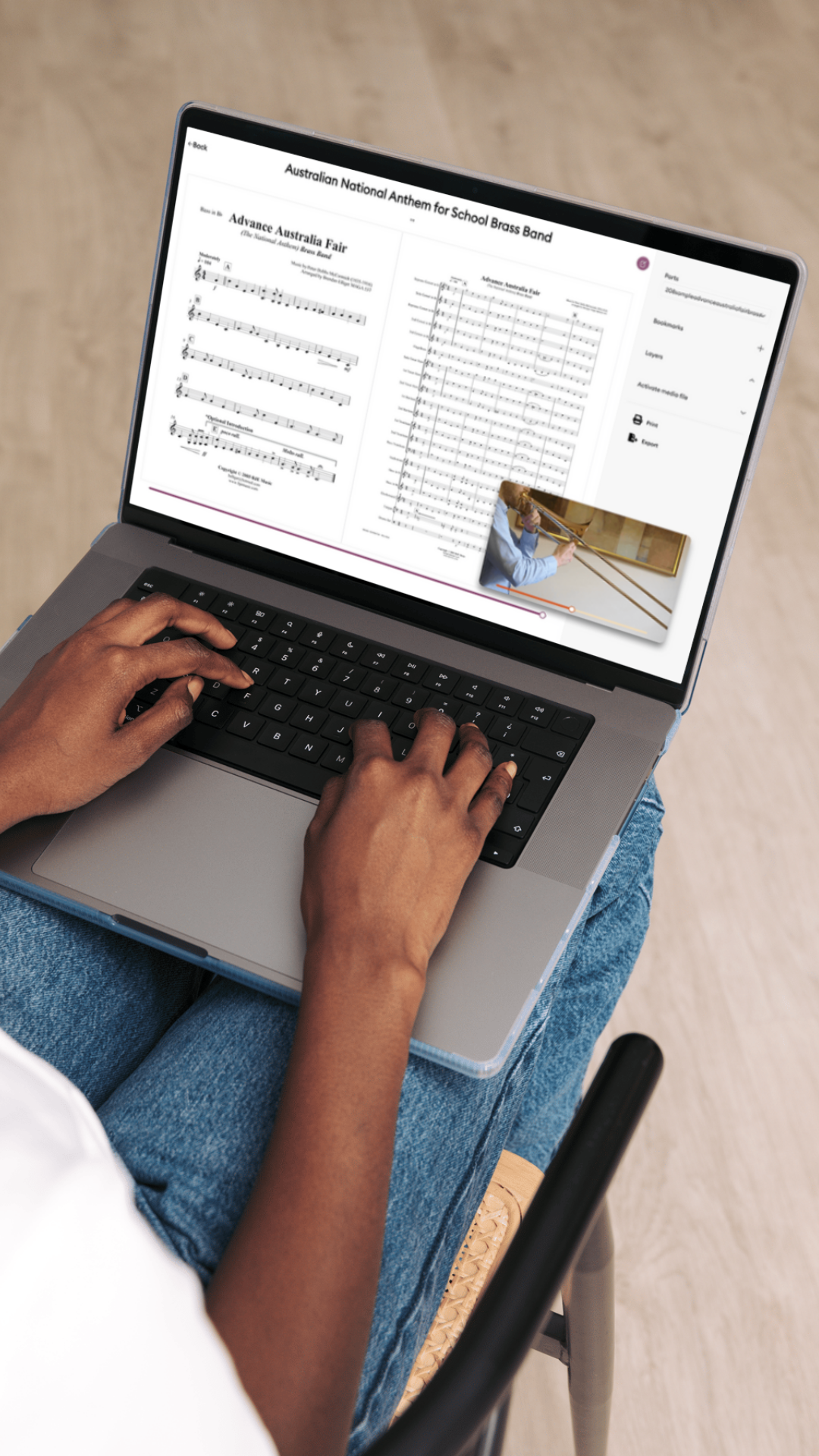
Compositions for Ensembles & Orchestras
Organizational management, at scale
Summary of features
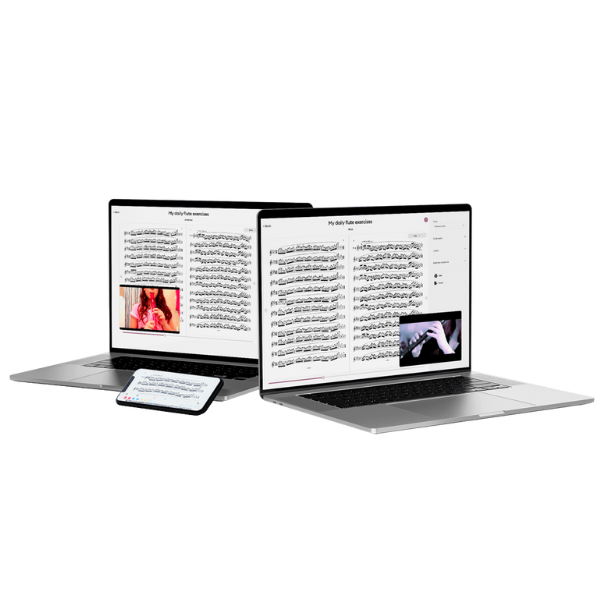
Manage your library from any computer and enjoy Newzik even without an iPad.
Share your pieces and annotations with your orchestra or band in real time.
Change tempo or key with a single click
Scan, crop, merge, and reorganize your partitions
Organize your thousands of sheet music files
Livescores: generate a playable MIDI file from your PDF scores, follow your score with a cursor
Discover Newzik Web
Our Welcome Offer
Want to try Newzik right from your computer?
Enjoy an exclusive 10% online discount with the code: WELCOME10 on our premium subscription and explore Newzik on your Windows or Mac:
Manage your sheet music, use LiveScores, transpose, and share.
Enjoy an exclusive 10% online discount with the code: WELCOME10 on our premium subscription and explore Newzik on your Windows or Mac:
Manage your sheet music, use LiveScores, transpose, and share.
Web or App: two complementary strengths
Newzik Web is designed to manage, organize, and distribute.
Web = manage, organize, distribute. iOS app = read, annotate, play.
Optimal reading is on iPad; large-scale management/distribution is on the web.
Optimal reading is on iPad; large-scale management/distribution is on the web.
Web
App
Library management ( folders, setlists, projects)
Yes (computer, browser)
Yes
Real-time distribution (via Projects)
Yes (webcast)
Yes (receipt)
Access rights/restrictions
Yes (web-side configuration)
Consultation according to rights
Importing files
Yes (computer, browser)
Yes (scanner/import app)
LiveScores ( PDF → interactive)
Yes
Yes
Export (MusicXML/MIDI)
Yes
Yes
Transposition (after conversion)
Yes
Yes
Reading/performance
Possible, less relevant
Ideal (iPad, stylus, pedal)
Automatic Synchronization of Changes
Yes, between the app and the web
Yes, between the app and the web
Testimonials
Your opinion matters.

Excellent application
I've had it since this app was first created, and it keeps getting better and better. It now replaces all the other apps I used to use. I really like the playlists, the split screen, the multitude of import options, annotations, etc. What's more, the support team is very responsive.
lami974
September 3, 2025
The best app for musicians
I love this app, which I use every day. It allows me to access my entire music library from anywhere and to work collaboratively with my students and colleagues. I recommend it 100%!
Emma from Marseille
June 13, 2024
This app is awesome!!!
First of all, I would like to thank the developers of this application. I think it's great, especially for its user-friendliness and sleek interface, as well as the ability to convert my scores into Livescore and scan scores to convert them into PDF and/or MusicXML files. Also, adding multiple scores at once to the library is a breeze, and the setlists that can be sorted as desired are impeccable. The page turner is also very useful even without using a pedal.
giraffe
Director of Human Resources, Delta Consulting
Frequently Asked Questions
1- What is the difference between Newzik App and Newzik Web?
Newzik App is the iOS app (iPad and iPhone) designed to read, annotate, and play your scores during rehearsals or on stage. Newzik Web, accessible from any browser, is designed to manage your library: import, classify, create collaborative projects, and convert to LiveScores. Both platforms are synchronized via the Newzik Cloud, allowing you to access your scores on all your devices.
2- How do I annotate on Newzik Web?
On Newzik Web, open a score in your library or in a project.
The annotation tool allows you to add text, musical symbols, highlights, or freehand drawings, just like on the iOS app.
Your annotations are automatically synced to the cloud and accessible from the app or by your project members (depending on your permissions).
The annotation tool allows you to add text, musical symbols, highlights, or freehand drawings, just like on the iOS app.
Your annotations are automatically synced to the cloud and accessible from the app or by your project members (depending on your permissions).
3- How do I log in to Newzik Web?
Visit Newzik from any browser. Log in with the same email address and password as your Newzik App account. If you don't have an account yet, you can create one directly from this page, or via the iOS app—your data will be automatically shared between the two.
4- How do I import sheet music to Newzik Web?
From the Newzik Web Library page:
1. Click "Import" or drag and drop your PDF, MusicXML, or MIDI files.
2. Your files are instantly added to your Cloud library.
3. They then become accessible on all your devices, including the iOS app.
Imported files can then be converted to LiveScores to take advantage of guided playback, transposition, and MusicXML/MIDI export.
1. Click "Import" or drag and drop your PDF, MusicXML, or MIDI files.
2. Your files are instantly added to your Cloud library.
3. They then become accessible on all your devices, including the iOS app.
Imported files can then be converted to LiveScores to take advantage of guided playback, transposition, and MusicXML/MIDI export.
Frequently Asked Questions
1- Do I need an iPad to use Newzik?
No. Newzik Web works in any browser, including on Windows, Linux, or an Android tablet. The iOS app is ideal for reading and playing games, but it's not a must-have.
2- Who can see which grades? Can I control that?
Yes. In each project, you can specify which members can see which comments. General comments can be visible to everyone, while each person keeps their own private notes.
3- I have a piece whose parts are available as separate PDF files. Can I combine them?
Yes. In Newzik Web, you can combine multiple separate parts of the same piece into a single document and make the required versions available within the project without using external software.
4- Can I write or typeset sheet music with Newzik?
Newzik is not a music notation program. However, you can use LiveScore to convert your notes into interactive scores and export them as MusicXML to edit them further in your notation software.
5- Are my grades just as secure on the website as they are in the app?
Yes. All score sheets are stored in encrypted form on EU servers and are accessible only to you and the individuals you have authorized.
6- Are changes between the website and the app automatically synchronized?
Yes. Your library is the same: whatever you create on the web appears on the iPad, and vice versa.
7- What file formats can I upload?
PDF, MusicXML, and MIDI.
8- Is Newzik a music notation program?
No, Newzik is not a music notation program.
Stay connected
Subscribe to our newsletter