
Our AI
Bring your sheet music to life
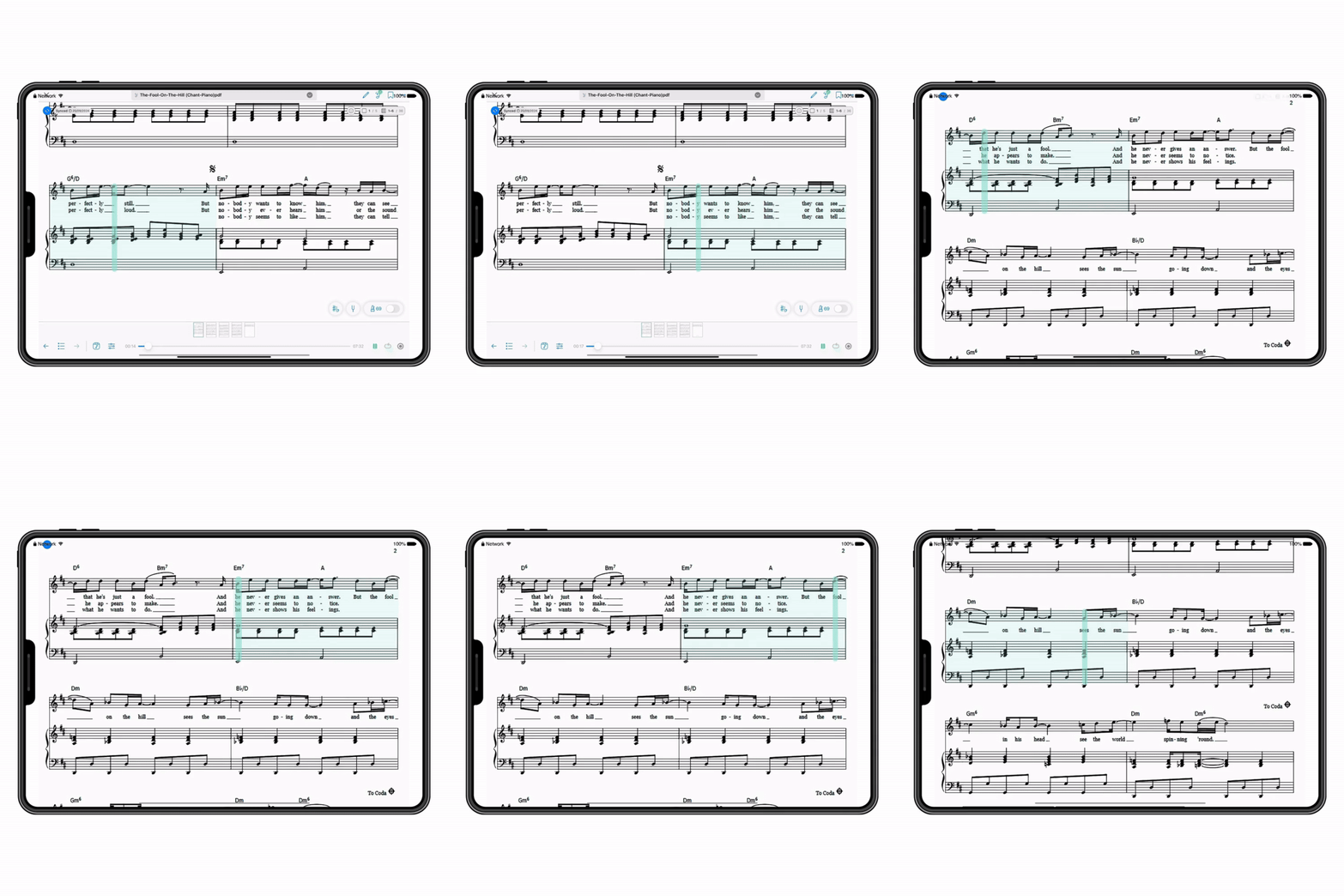
LiveScore converts your PDFs into interactive, ready-to-use scores. Once the score has been converted, you can follow along with the playback, navigate through sections, transpose, and export to MusicXML/MIDI to continue editing wherever you want. Everything stays synchronized in your Newzik library.
.gif)
Why use LiveScore?
You have a PDF sheet music file and want to listen to it before studying it
All you need is the part for the horn that you want to transpose to F without having to rewrite the entire score yourself
You're working on a passage in your music composition software and need a MIDI file for that purpose
You lead a choir and want to quickly create different vocal registers
You don't yet feel comfortable reading notes, accidentals, and rhythm, and you need some guidance in sight-reading your sheet music
How do I get a LiveScore?
Step 1 — Select a partition
Scan your paper sheet music from the iOS app (built-in scanner) or import your PDFs.
Step 2 — Start the conversion
Click on LiveScore. The conversion takes a few minutes per page.
Step 3 — Enjoy the results
Your LiveScore appears in your library and in the LiveScore tab: playback, transposition, MusicXML/MIDI export.
The technology behind LiveScores
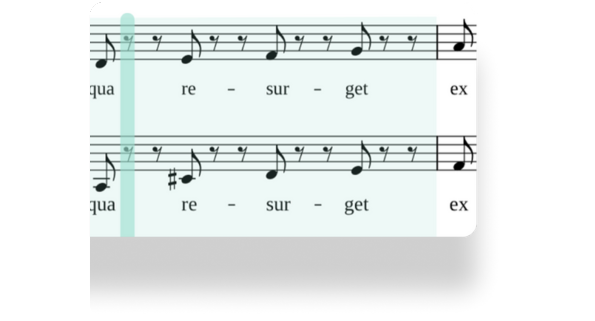
LiveScores is ourAI-poweredOMR (Optical Music Recognition) technology. It converts your PDFs into interactive sheet music to provide guided playback, synchronizes your annotations, and makes it easy to export to MIDI or MusicXML for use with your music notation software.
Frequently Asked Questions
What is LiveScore?
LiveScores are interactive sheet music in which the notation and navigation change in sync with the music.
How can I get the best results during the conversion?
Before converting, make sure the staves are horizontal, that they are all five-line staves (no guitar tablature or vocal staves), that the pages are flat and smooth, and that there are no watermarks or pencil marks appearing above the staves. Convert only single pages, not double-sided pages.
Can I transpose my sheet music after conversion?
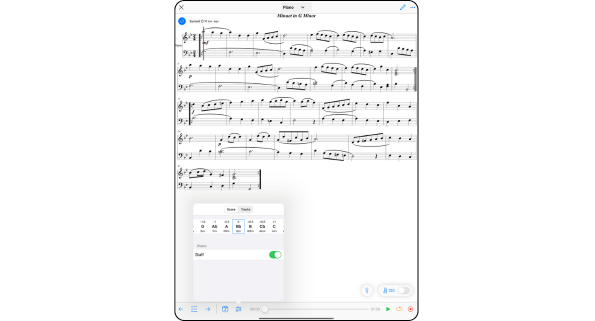
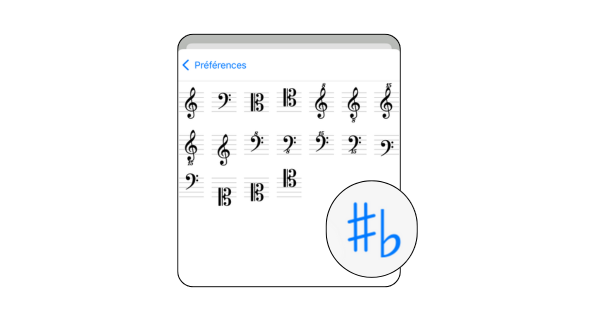
Yes. Once the sheet music has been converted to LiveScores, you can adjust the key and clef to match your instrument or range with a single click.
What file formats are supported?
Newzik supports the import of scanned or photographed sheet music, PDF files, and MusicXML files. With the LiveScore feature, you can convert them into interactive sheet music and export them in MusicXML or MIDI format.
Can I create arrangements?
Yes, export to MusicXML and edit in your notation software.
Can I convert handwritten sheet music?
Yes. Take a photo or scan your handwritten notes. To ensure reliable recognition, your handwriting must be very legible and consistent.
Stay connected
Subscribe to our newsletter