Whether you're an amateur or professional musician:
—everyone has their own way of understanding
a sheet of music
Our Optical Music Recognition (OMR) technology turns your PDF sheet music into an interactive tool. You can learn, sight-read, master, edit, and practice—all in one place. Your sheet music becomes your best tool for mastering a piece, whether you’re an amateur struggling with complex chords or annotations, or a professional who needs to annotate a score before exporting it to MusicXML format. Your sheet music has a lot to tell you!
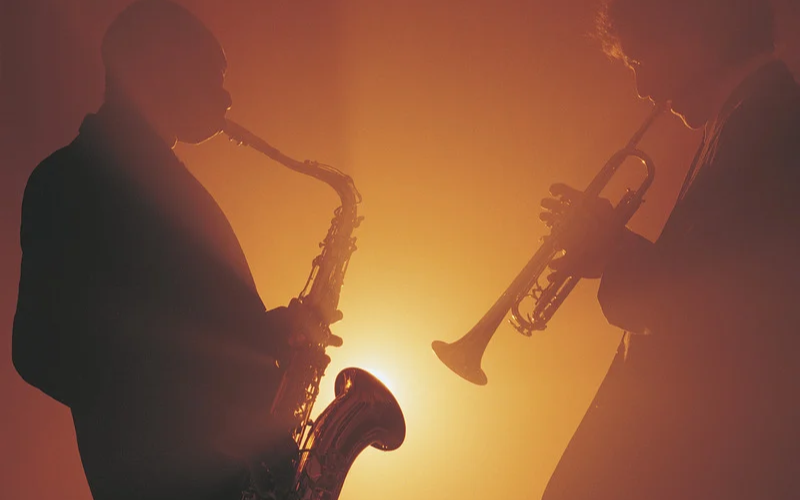
Silhouettes of two musicians playing the saxophone and the trumpet in front of warm, orange lighting.
Five orange stars lined up against a transparent background.
4.7 on the Apple Store
500,000 users
Over 150 institutions trust us (opera houses, ensembles, schools)
14 million scores managed

Get all the information you need from your score

Newzik supports musicians of all levels, from amateurs who have trouble telling the difference between a staccato and a crescendo to professionals who need to quickly master a wide range of sheet music.

🎶

Are you an amateur musician who missed a few music theory classes? The note identifier helps you recognize notes

🎻

Are you a conservatory student who needs to review? Our smart annotations help you identify all the inflections in a score.

🎹

Are you a solo pianist who needs a transcription or an arrangement? With our MusicXML export feature, you can easily edit your score in your music notation software.

Your PDF score has a lot to tell you

We provide you with all the tools you need to discover
all the secrets of your sheet music.

Guided Reading

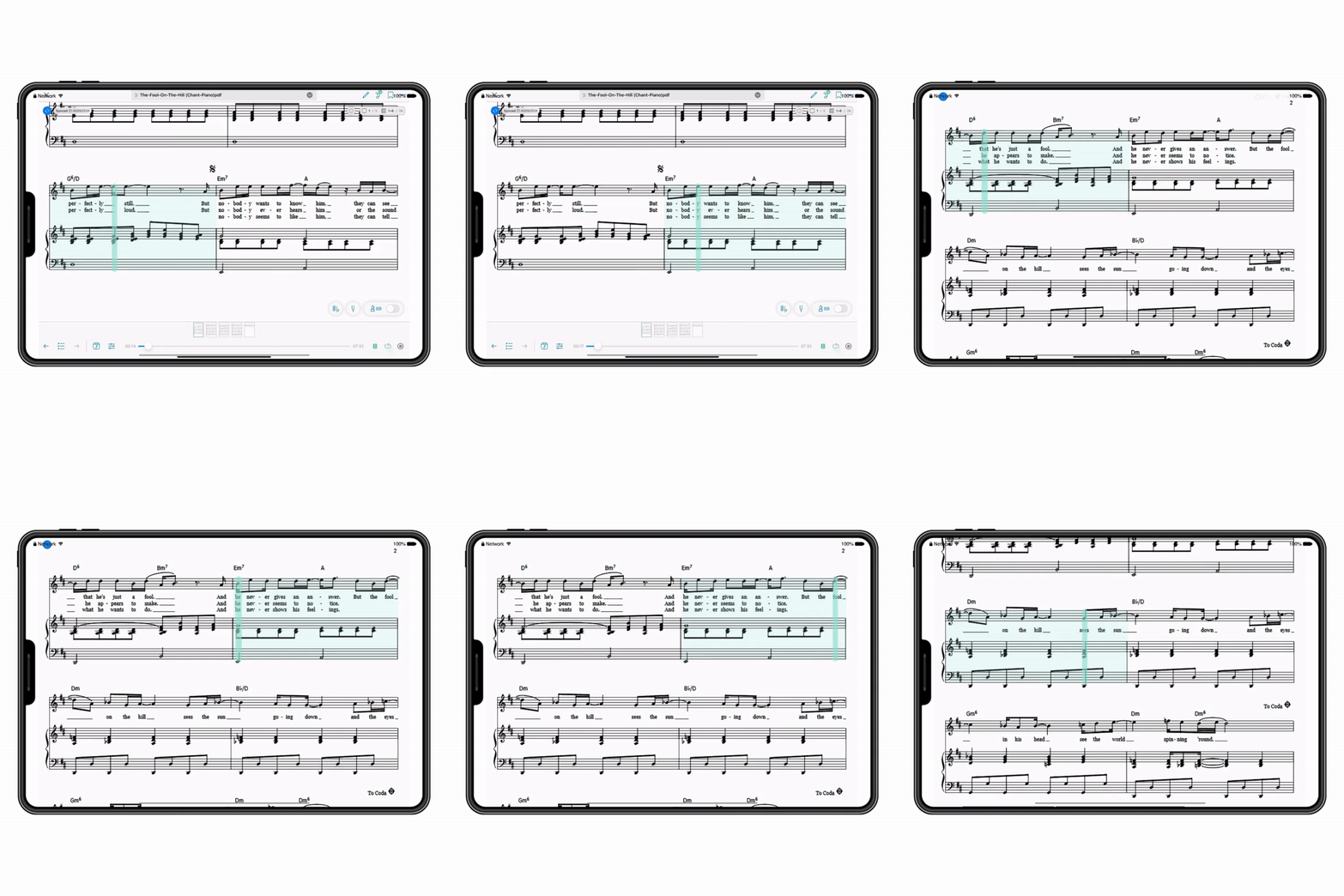
Follow the score with a cursor and navigate through sections with a single gesture. Pick up where you left off or where you're having trouble.

A tablet displaying a digital musical score with a moving playback bar indicating the progress of the music, including notes, chords, and lyrics sung in English, as well as playback controls at the bottom.

Note Identifier

Tap a note to find out its name (pitch and octave), see how to play it on a keyboard, and hear it immediately through an audio preview.

A musical score featuring treble and bass clefs, black and white notes, the dynamic marking "piano," and a pop-up window displaying an A note with a piano keyboard and a blue play button.

Playback

Enable MIDI accompaniment to generate an audio playback and listen to the score. You can use our MIDI mixer to isolate specific instruments and better identify the sections you need to work on.

A music player interface called "Full Score" displaying a progress bar with an elapsed time of 00:47 and a total time of 28:40. Control buttons: pause, rewind, loop, fast rewind, and fast forward. Two adjustable instrument sections: clarinet with mute and solo options, an adjustable volume slider, and violin with the same options and volume control.

Smart Annotations

Automatically highlight certain musical elements (dynamics, articulation, accidentals) directly on your score, without any manual marking. Instantly identify a staccato or a decrescendo.

Sheet music for Franz Schubert's Sonata for Pianoforte and Arpeggione, featuring color-coded annotations for dynamics, articulation, crescendos, and accidentals, displayed on a digital screen with a smart annotation menu that activates highlights for various musical nuances.
THEY TRUST US

What Our Users Say

A row of five orange stars, symbolizing a perfect score or a high rating.

I subscribed to Newzik for its OMR (optical music recognition). It rarely makes mistakes. I had used more expensive programs before, and they were always disappointing. So for me, the OMR alone is worth the price of the license.

Ishepperd

September 7, 2026
A row of five orange stars, symbolizing a perfect score or a high rating.

This app is incredibly effective. I was looking for a tool to listen to my sheet music when I get stuck on a passage. Plus, it includes various built-in features, such as tempo control and the ability to adjust the pitch of the notes. I also love that you can play each clef independently of the other. In short, I’m sold.

NaOnedAL

November 29, 2025
A row of five orange stars, symbolizing a perfect score or a high rating.

My Newzik library just keeps growing because it's easy to use and has everything I need to make music: I add different accompaniments, let the AI analyze and play the sheet music so I can get a feel for the song, turn the pages, and so on.

UDK2000

October 31, 2025
Frequently Asked Questions

Frequently Asked Questions

How can I access the OMR's features?

Our OMR tool is linked to the LiveScores features. To take advantage of these features, you must convert your score to LiveScore; you’ll then have access to smart annotations, the note identifier, MusicXML export, and more. With the free version, you get 10 free pages, ready to be converted to LiveScore. For more, you’ll need to subscribe to Newzik Premium.

Can the note identifier also help me recognize chords?

Yes. The note identifier helps you recognize notes and chords. Just tap the note or chord you can't read.

Can I make recordings so I can listen to myself play?

Yes. You can create a recording of your performance directly on Newzik and then embed it in your sheet music using the audio media integration feature. 

Can the app help me recognize other musical structures?

Yes. With smart annotations, you can ask Newzik’s AI to identify nuances (such as p, m, f, or crescendo), articulations (such as accent, tenuto, fermata, etc.), and accidentals (such as flat, sharp, natural, etc.) for you.

How can Newzik help me with difficult passages?

Thanks to the LiveScore feature, Newzik can generate a MIDI audio rendering of your sheet music. This allows you to listen to and replay specific parts of the song and then compare them with your own recordings to identify sections that need work.