
Collaborative web & iOS platform for ensembles, orchestras, and operas
Centralize your scores, distribute them in real time, and synchronize annotations for the entire ensemble—on iOS and on the web.
.png)
4.7 on the Apple Store
500,000 users
Over 150 institutions trust us (opera houses, ensembles, schools)
14 million scores managed
Key strengths
Key benefits
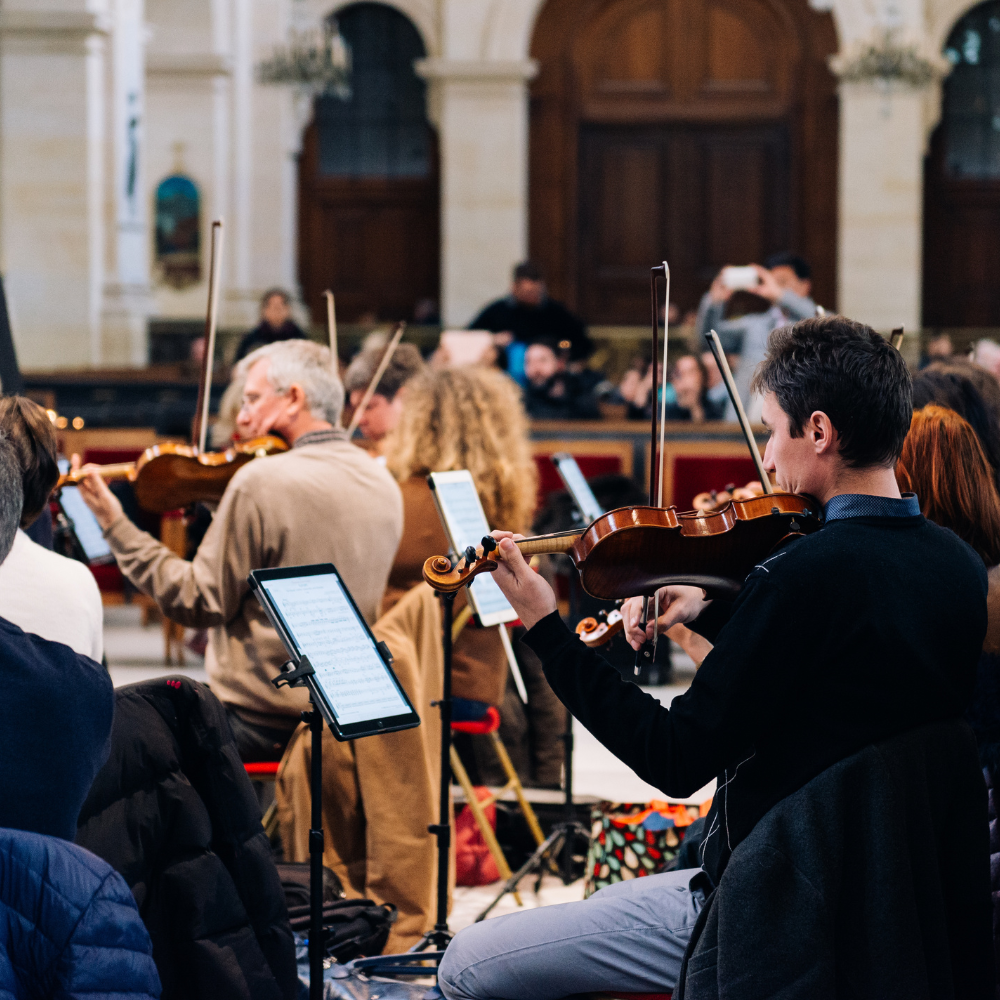
Whether it’s a choir rehearsal or an orchestral project, it’s often at the most crucial moment that you can’t find the right score. Several pages are illegible, and not everyone has updated their copies. And to top it all off, the printer isn’t working properly.
When we should be focusing on the music.
Time savings
Programs ready faster: imports, setlists, and versions all in one place.
Real-time collaboration
Shared projects: updates are instantly visible to everyone.
No more losses
Everything is saved in the Newzik Cloud and accessible on iOS & Web.
Simple distribution
Distribute scores and manage access rights in just a few clicks.
Scale annotations
Share read-only for global indications; everyone keeps their layers private.
Ready for the stage
Half-page turn, Bluetooth pedal, and performance mode on the iOS app side.
Real-time, paperless collaboration.
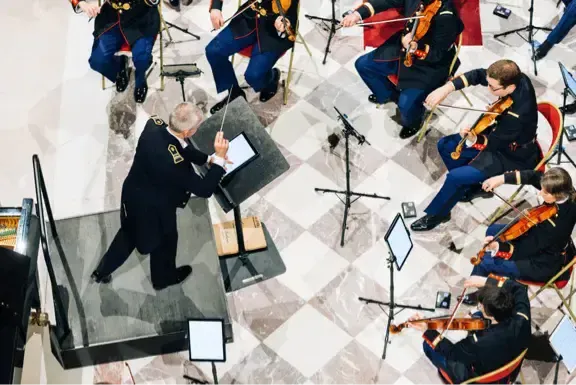
Newzik Ensemble's collaborative features set the platform apart: organization-wide sharing of read-only annotations, the option to keep annotations private if needed, and instant distribution of scores. All this in a secure cloud space accessible on all your devices.






How does it work?
Step 1 — Prepare
Import PDFs, organize them into setlists and projects, and group versions and parts.
Step 2 — Distribute
Share with the relevant Project and define access rights/restrictions.
Step 3 — Update
Open the Project, replace the score (PDF/MusicXML/MIDI), or add a corrected file. The active reference for the piece is updated: all members automatically see the latest version on iOS and on the web.
Our newsletter for orchestras,
for ensembles and choirs
Discover all our content designed specifically for orchestras, ensembles, and choirs: use cases and best practices, news for music retailers and musical directors, and the latest industry trends.
Don’t miss any Newzik news about our new features developed especially for you!
Don’t miss any Newzik news about our new features developed especially for you!
Maximilian Kurz
Stage Manager, Vienna State Opera
Seamless score sharing and real-time annotations have made our rehearsals more efficient and collaborative.

Stefano Visconti
Choir Director, Monte Carlo Opera
Being able to share my notes, corrections, and instructions with singers during rehearsals with just one click is, for me, Newzik's greatest strength.

David Taylor
CEO, Yorkshire Young Sinfonia
Using Newzik with my youth orchestra is incredibly easy. Going back to paper scores? No way!

Patrick McCarthy
Artistic Operations Director, Ulster Orchestra
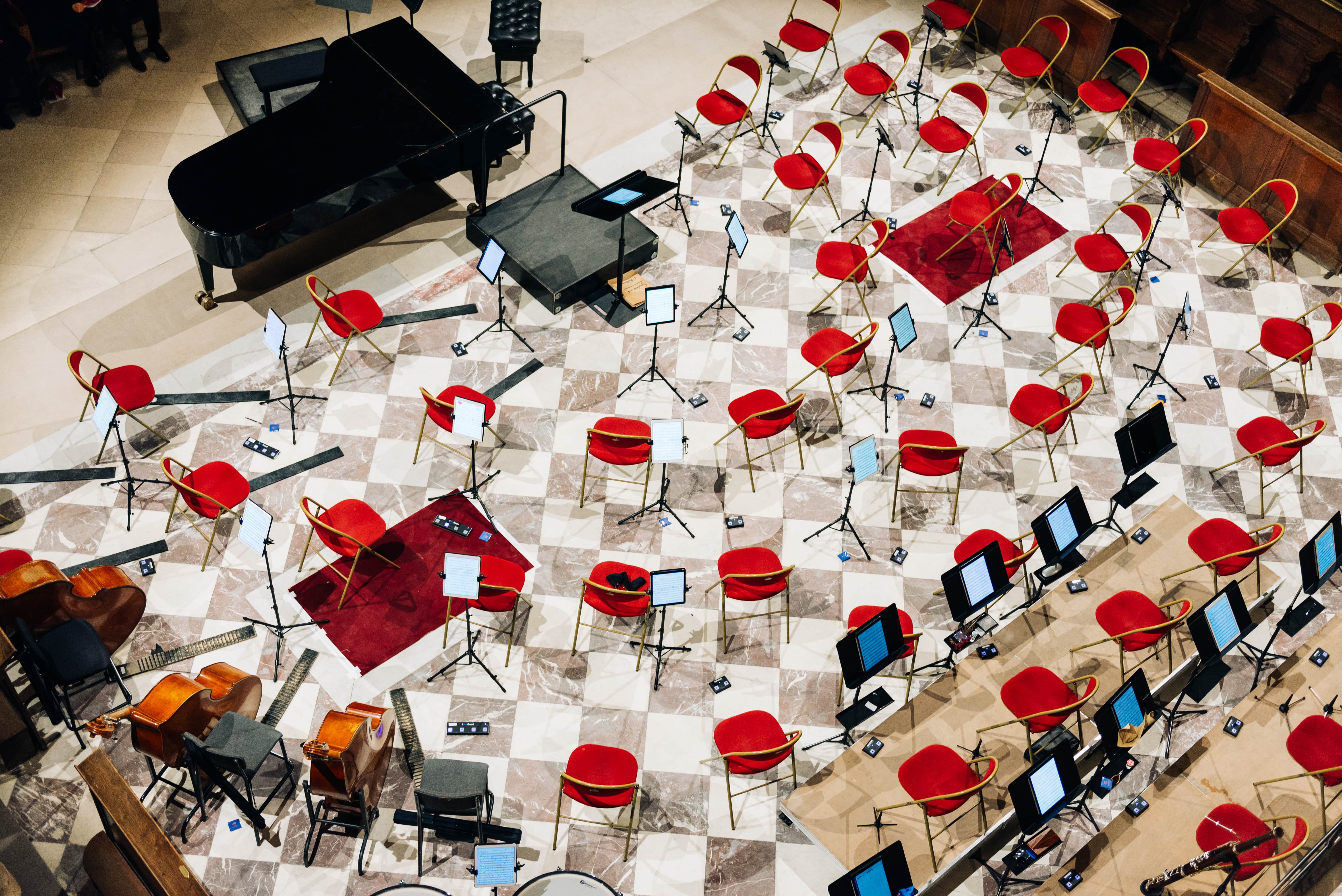
With iPads set up on stage, our orchestra looks magnificent, which is very important for our streaming concerts.

Lucie Moreau
Librarian, Orchestre National d'Île-de-France
With Newzik, my publishers send me digital material directly, which I can distribute instantly to musicians. I can work from home, and last-minute changes are no longer stressful.
Frequently Asked Questions
1- Who is Newzik Ensemble for?
Newzik Ensemble is designed for orchestras, choirs, chamber music groups, and all ensembles that perform from sheet music.
2- What happens if I forget my iPad?
No problem. Just sign in from another iOS device. Your notes and projects will be available right away. To prepare your lessons on a computer, you can use the web app.
3- Can I control access rights?
Yes. You decide who is allowed to view the scores and who can also edit them. Each member also keeps their own annotations.
4- How can I correct a transcript?
Just download the updated version. All members will see the change immediately on iOS and on the web.
5- Does Newzik also work offline at concerts without Wi-Fi?
Yes. Sheet music you've already downloaded is accessible even without Wi-Fi. An internet connection is required for synchronization.
6- How long does the setup phase take?
You’ll need a few hours of training from our team to get up to speed with the tool.
7- How does Newzik Ensemble process my data?
Your data is stored on servers located in the European Union. We collect only the information that is necessary. Your sheet music remains your property, even after termination.
8- Am I allowed to upload copyrighted sheet music to Newzik?
In Germany, Austria, and many other countries, copyright protection lasts for 70 years after the composer’s death; modern editions may be subject to additional rights. Newzik does not conduct any legal review of the use of sheet music. Compliance with all copyrights and usage rights is the responsibility of the musicians and ensembles.
Stay connected
Subscribe to our newsletter