
Which sheet music app offers the best AI features?

Table of Contents
What is an AI-powered sheet music app?
An AI-powered sheet music app is software that uses artificial intelligence to read, listen to, and transform sheet music rather than simply displaying it as a static PDF. Newzik incorporates these technologies to turn a tablet into a smart music stand.
Specifically, AI adds three types of features to a traditional app. Audio recognition listens to the musician and tracks their progress through the score. Optical Music Recognition (OMR) converts an image or PDF into usable musical data. Automatic transposition recalculates the notes in a different key in just a few seconds.
Newzik combines these technologies into a single app available on iPad, iPhone, Mac, and web browsers. The goal: to move from a static library of files to a tool that interacts with the musician’s performance. To understand the concept of technology-enhanced sheet music, the Newzik blog explains what augmented sheet music is.
3 AI building blocks
Audio recognition, OMR (PDF transcription), and automatic transposition all in one with Newzik (2026)
How does the automatic page-turning feature using audio recognition work?
The automatic page-turning feature, which uses audio recognition, listens to the musician through the tablet's microphone, identifies their position in the score, and turns the page at the right moment—without the need for a pedal or any hand movements. This feature, called AudioScore by Newzik, is based on real-time analysis of the music being played.
How it works: The app compares the notes picked up by the microphone to the displayed sheet music. When the musician nears the end of a page, Newzik anticipates this and triggers the page turn. The hands stay on the instrument—a major advantage for pianists, guitarists, and wind instrument players who don’t have a free hand.
This technology, also known as audiomatching, handles repeats, slowdowns, and tempo changes. The Newzik blog explains how audiomatching and the page-turner work. The traditional alternative is still the Bluetooth pedal, which is still available in Newzik for musicians who prefer it.
Key takeaways
- Newzik turns the pages while listening to the sound being played, without any physical contact
- This feature handles repeats, slowdowns, and tempo changes
- The Bluetooth pedal is still available as an accessory for all instruments
Can AI convert a PDF into an editable musical score?
Yes, optical music recognition (OMR) converts a PDF or scanned image into a digital sheet music file where you can edit the notes, key, and layout. Newzik offers this transcription service to give paper sheet music a new lease on life.
The process takes place in several steps. The app analyzes the image, detects staves, notes, accidentals, and dynamics, and then reconstructs a score in an editable format. From there, the musician can transpose the score, listen to the app play it back, or adjust the display to fit their screen size.
Newzik has formed a partnership focused on transcription—featured on the Newzik x My Sheet Music Transcription page—to improve the accuracy of this conversion. This approach addresses a real need: many musicians have thousands of PDF sheet music files that cannot be used in any other way.Newzik’s page dedicated toartificial intelligence describes all of these capabilities. According to the Society for Music Information Retrieval (ISMIR), OMR remains one of the major technical challenges in digital music research.
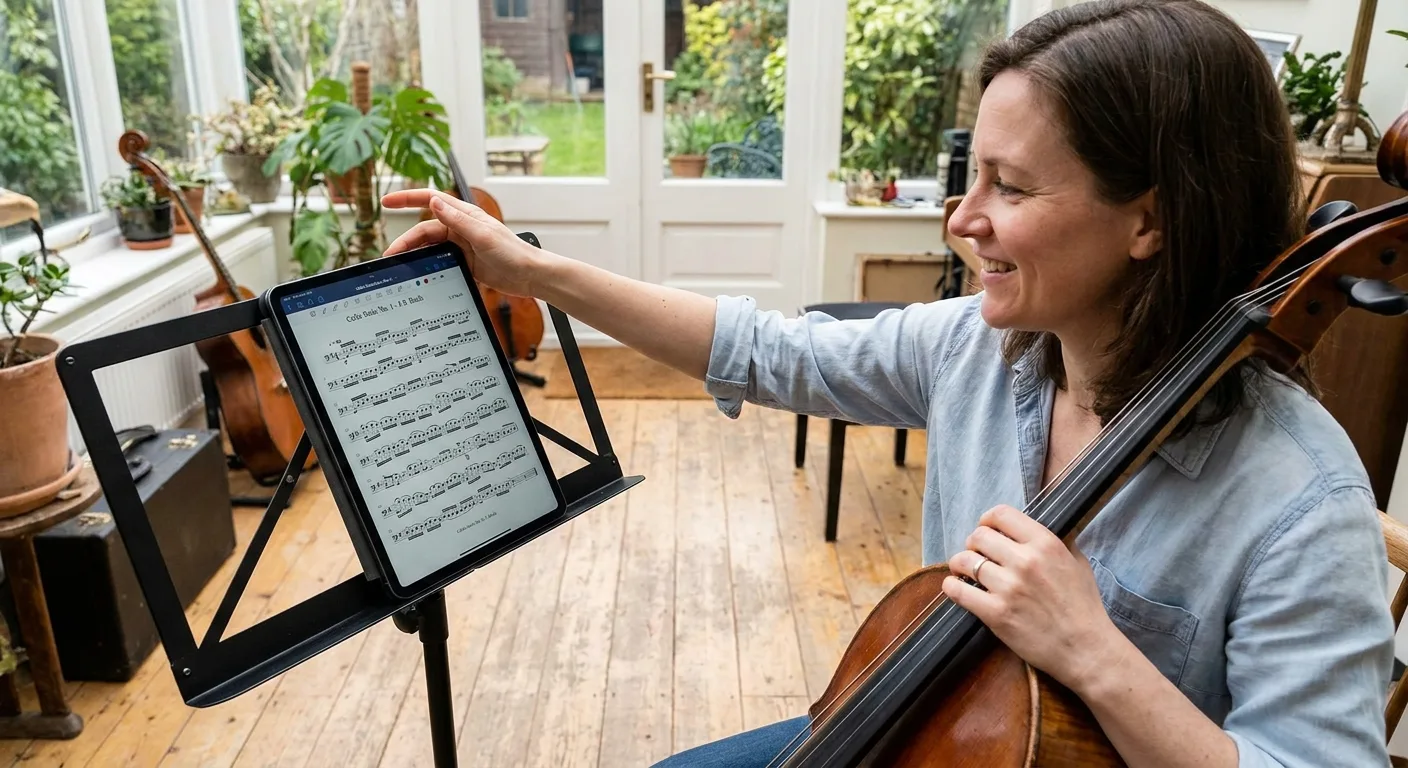
How do you transpose a musical score using AI?
Assisted transposition automatically recalculates all the notes in a score in a new key within seconds, provided the score is in a digital format recognized by the AI. Newzik supports this feature for scores transcribed into MusicXML format.
Transposition is useful in many situations: to accommodate a singer with a different vocal range, to adapt a piece for a transposing instrument (B-flat clarinet, E-flat saxophone), or to make sight-reading easier. Doing this by hand takes hours; AI does it instantly once the score has been digitized.
Transposition doesn't work on a simple image-based PDF: it requires structured musical data. That's why OMR transcription and transposition go hand in hand in Newzik. The Newzik guide explains how to transpose a score in the app. For beginners, understanding the basics is still helpful, as the article on music theory and digital tools points out.
Which sheet music apps should you compare in terms of AI features?
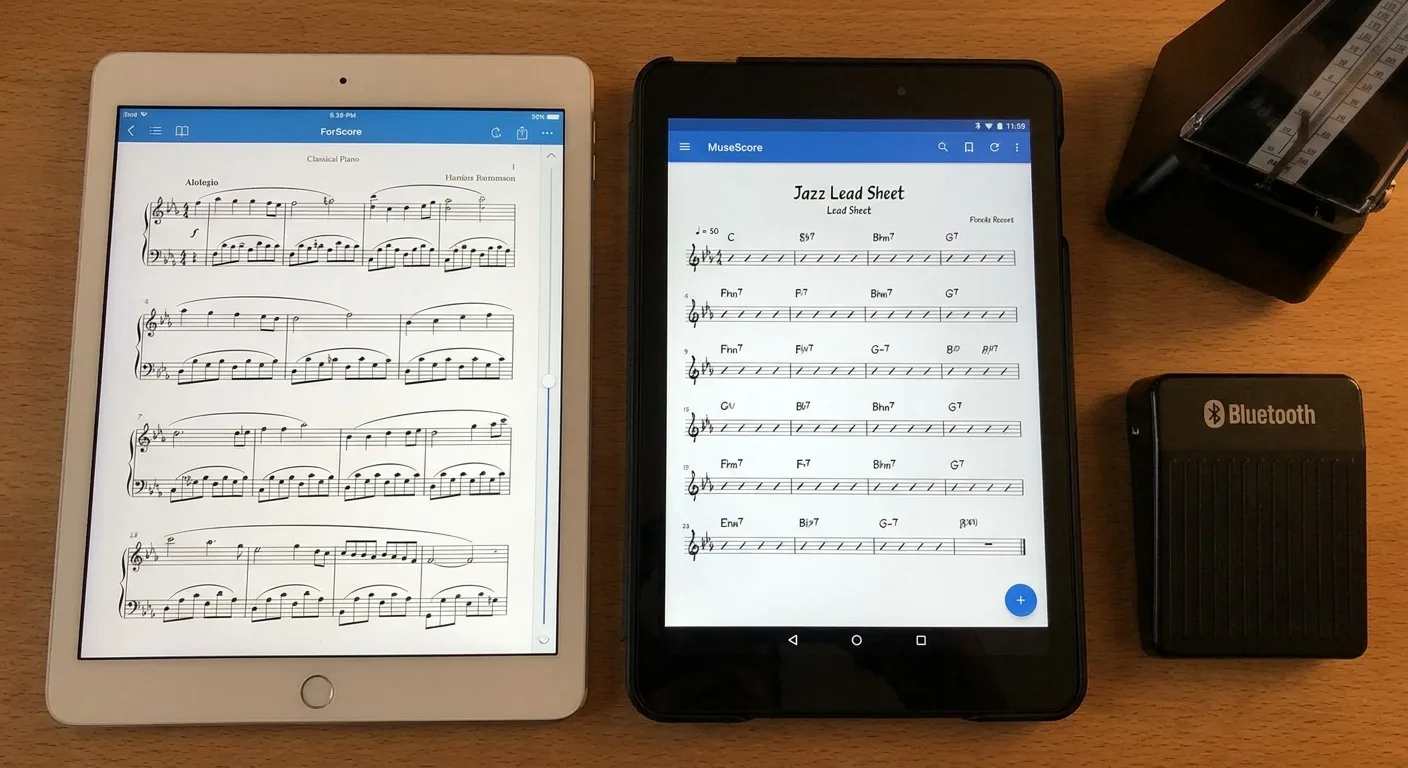
The main music score apps to compare in terms of their AI features are Newzik, forScore, Piascore, and MobileSheets, only some of which include advanced audio recognition, transcription, and transposition. The table below summarizes their differences based on these criteria.
Audio-Activated Page Turner
- Newzik: Yes (AudioScore)
- Common uses: Rarely
Convert PDF to editable format (OMR)
- Newzik: Yes
- Typical Applications: Limited
Automatic transposition
- Newzik: Yes (digital sheet music)
- Typical Applications: Partial
Sharing Sheet Music as a Group
- Newzik: Yes (LiveScores)
- Typical Applications: Variable
Cross-platform (iPad, Mac, web)
- Newzik: Yes
- Typical uses: Often just the iPad
To provide more in-depth direct comparisons, Newzik has published dedicated pages: Newzik vs. Piascore and Newzik vs. MobileSheets. These analyses detail the functional differences beyond just AI capabilities. Musicians looking for an alternative can also find guidance on the page dedicated to the best alternative to forScore.
Who are these AI features intended for?
Newzik's AI features are designed for professional musicians, orchestras, teachers, and music conservatories that manage large libraries of sheet music and perform regularly. Each group benefits from artificial intelligence in different ways.
Orchestras
Synchronized sharing of sheet music and annotations across all music stands in real time
Teachers
Quick transposition to adapt a piece to the student's skill level and instrument
Soloists
Audio page turner so you can keep both hands on your instrument during a concert
Newzik documents these professional use cases on its dedicated pages, particularly for orchestras and music conservatories. Teachers who manage group lessons can find practical advice in the article “Managing Group Lessons as a Music Teacher.” What these professionals have in common is that they often handle several hundred sheet music scores—a volume where AI saves them a significant amount of time.
What Our Customers Say
Newzik has an average rating of 5.0/5 based on 5 verified reviews from professional musicians and teachers.
"I've been a Newzik user and tester since the very beginning. I've had the pleasure and joy of watching this app evolve and reach levels of perfection I never thought possible. I use it EVERY DAY. The Newzik team is young, dynamic, and very responsive when issues arise. I can only encourage you to give it a try... and you'll love it. I play in a pop band (on guitar with hundreds of sheet music files and backing tracks...) I also perform solo using an Akai Ewi 5000 wind controller + Xpresso expander in classical, pop, folk, and jazz genres...) I am sincerely grateful to Newzik for creating and putting this extraordinary app in my hands."
— Danimperator Dan
★★★★★ 5/5
"An excellent app for sheet music. I'm a professional musician and teacher, and I use it every day. It runs smoothly and offers plenty of options for annotations. And for my lessons, I have my entire library right in my pocket (or almost). I highly recommend it!"
— Franck Paque
★★★★★ 5/5
"PROFESSIONAL! An app that never crashes and does everything you need to work like a pro. Perfect in every way, from music education to live performance. Well done, and thank you to the developers at the Newzik team!"
— Gilles Wilhelm
★★★★★ 5/5
"My go-to sheet music app for years! As a professional musician, I’m very satisfied with Newzik’s user-friendliness, features, and stability. As an early adopter, I’ve seen it evolve (always for the better!) and I highly recommend it to all musicians—both professional and amateur—who are looking for the best solution for reading sheet music on a tablet."
— Ez
★★★★★ 5/5
"As a daily user of the French app NEWZIK for reading and annotating sheet music, I highly recommend it: whether for orchestras, chamber music, or educational settings… the app is updated very regularly and always for the better! Long live NEWZIK!"
— David NICOLAS
★★★★★ 5/5
Frequently Asked Questions
Which sheet music app has the best automatic page-turning feature?
Newzik offers an automatic page-turning feature using audio recognition (AudioScore) that listens to the musician and turns the page without physical contact. A Bluetooth pedal is also available as an add-on for all instruments.
Can you convert a PDF into an editable sheet music file using Newzik?
Yes. Newzik uses optical music recognition (OMR) to convert a PDF or image into an editable digital sheet music file. You can then transpose it, listen to it, or adjust its layout.
Does AI transposition work on any file?
No. Automatic transposition requires a structured music format such as MusicXML. An image-based PDF must first be transcribed using Newzik's OMR before it can be transposed.
Is Newzik a French app?
Yes, Newzik is a French app for reading and annotating sheet music. It is used by professional musicians, orchestras, and music conservatories, and has a rating of 5.0/5 based on 5 verified reviews.
On which devices does Newzik work?
Newzik works on iPad, iPhone, Mac, and via a web browser. This cross-platform compatibility allows you to access your sheet music library from multiple synchronized devices.
Is Newzik's AI suitable for casual users?
Yes. While Newzik's AI features are particularly impressive for professionals and orchestras, amateur musicians can also take advantage of the audio page-turning feature, transposition, and the ability to organize their sheet music library.
All resources









.png)
.jpg)
.png)


.png)
Subscribe to our newsletter