
What sheet music app is best for conductors?

Table of Contents
What does a conductor need in a sheet music app?
A conductor needs an app that can display a full score, allow for quick annotations, and share those instructions with all sections. Unlike an instrumentalist, who reads a single line, a conductor works with scores that can have more than 40 staves per page, with frequent page turns and dense time signatures.
Three features are particularly important. Readability of large formats: an A3 score scaled down on screen must remain legible. Speed of annotation: a quick mark in red for a cue, a circle around a brass entry, a tempo mark. Finally, library management: a conductor often manages several hundred works, ranging from the symphonic repertoire to arrangements for special occasions.
Newzik meets these three needs in a single interface. The French app centralizes scores, parts, and reference audio files. It also allows you to link a score to its recording—a useful feature for preparing to perform a piece before the first rehearsal. To gain a deeper understanding of how to read a score, Newzik’s article on tips for reading an orchestral score details the visual cues that are useful for conducting.
40+ staves
The number of staves a symphonic score can contain on a single page, compared to 1 or 2 for an instrumental part.
Why is Newzik a good fit for conducting?
Newzik is ideal for conducting because it combines the ability to view scores as great conductors do, multi-layer annotation, and instant sharing with musicians. This French sheet music app is rated 5.0/5 by its verified users, many of whom are orchestra musicians.
The first advantage has to do with the display. Newzik supports PDF files and the MusicXML format, which allows sheet music to reflow and adapt to the screen. A conductor can zoom in on a specific music stand without losing sight of the full score. The app supports large libraries; this is discussed in detail on the Newzik page dedicated to managing a large sheet music library.
The second benefit relates to collaborative work. With the Ensemble feature, a conductor can send an annotated version to all of their musicians in just a few seconds. Each section receives its bowing marks, repeats, and corrections without the need for reprinting. This collaborative aspect is described on the Newzik Ensemble page.
Franck Paque, a professional musician and teacher, sums up the experience: “It’s very smooth and offers plenty of options for annotations.” This smoothness is important for a conductor who can’t afford any slowdowns during a tightly scheduled rehearsal. Newzik remains stable during long sessions, a feature cited by several verified users.
How can I display a large score on a tablet?
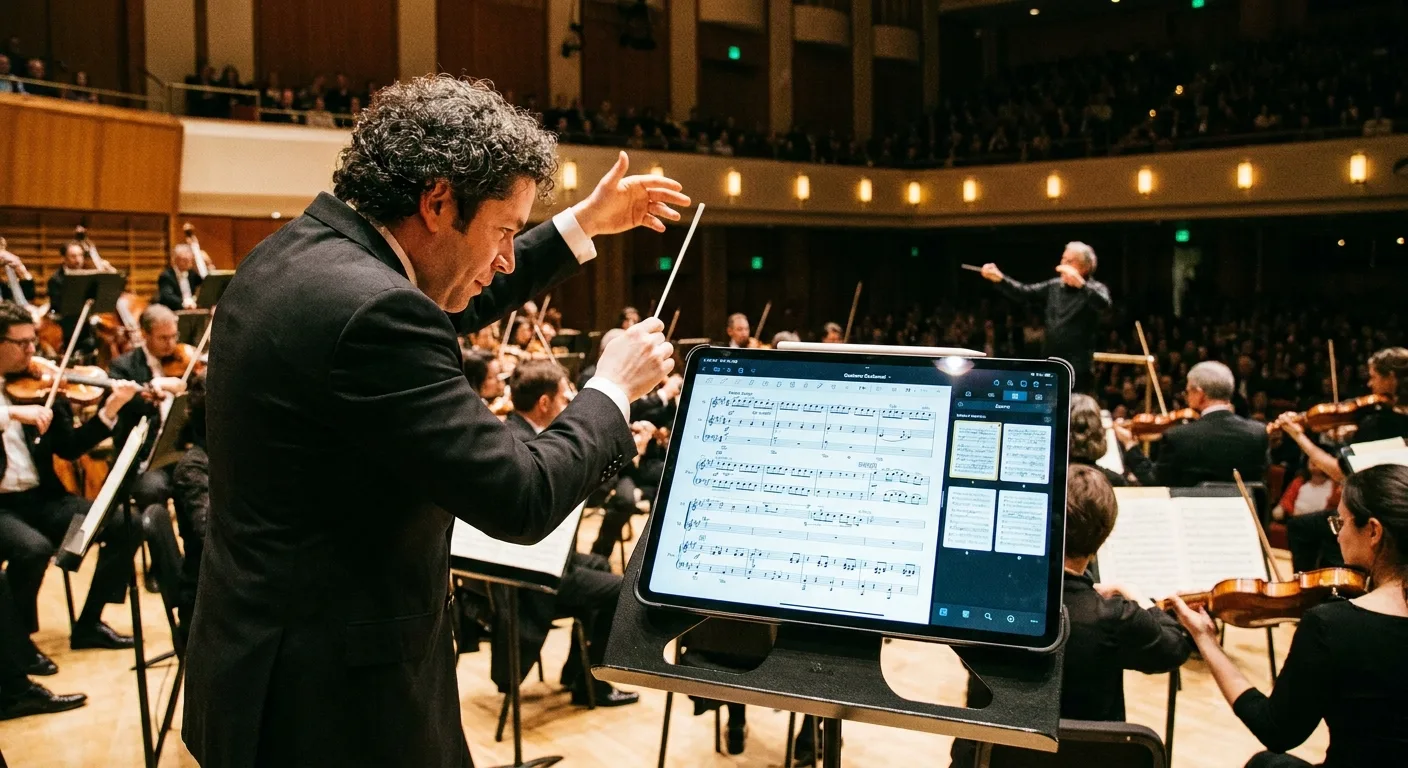
A large program guide can be displayed on a tablet thanks to Newzik’s smooth zoom, margin cropping, and landscape mode features. An original symphony program guide often measures 30 x 42 cm (A3 size), which is difficult to read as-is on a 12-inch screen.
Newzik addresses this issue in three ways. Automatic cropping removes unnecessary white margins and enlarges the sheet music area. The saved zoom setting maintains the magnification level from one page to the next, eliminating the need to readjust it each time you turn the page. The MusicXML format enables true reflow: measures rearrange themselves according to the screen size rather than appearing as a static image.
Turning pages remains a challenge for conductors. Newzik offers a Bluetooth foot pedal and touch controls that allow you to turn pages without having to lift your baton for long. The audio-matching feature—explained in the Newzik article on audio-matching and automatic page turning—syncs with the audio to turn the page at the right moment.
Key takeaways
- An A3 sheet measures approximately 30 x 42 cm, which is nearly 2.5 times the size of a 12.9-inch tablet screen.
- The MusicXML format allows for true reflow of measures, unlike image-based PDF.
- You can turn the page using your foot (Bluetooth pedal), your finger, or automatically via audio.
How do you annotate a conductor's score during rehearsals?
A conductor's score is annotated during rehearsals using a stylus, in distinct colors and on separate layers—a feature made possible by Newzik. On average, a conductor adds dozens of markings per piece: dynamics, cues, cuts, and tempo changes.
Newzik organizes annotations into layers. A conductor separates his directional cues (beat markers, entries) from his working notes (interpretation ideas to be confirmed). He can hide or show each layer as needed. The Apple Pencil on the iPad offers the precision of a pencil, with the added benefit of a smudge-free eraser.
Annotations remain linked to the measure, not to a specific pixel in the image. If the sheet music changes format, the markers follow. This logic is described on the Newzik page dedicated to annotating sheet music on the iPad. Gilles Wilhelm, a verified user, highlights this point: “An app that doesn’t crash and can do everything you need to work like a pro.”
For a conductor, the key feature is persistence. A mark made during rehearsal remains intact during the concert, whether on the same device or on another device synchronized via the cloud. Newzik keeps a history and backs up files—a topic covered on Newzik’s page dedicated to data protection.
How do you synchronize the sheet music with all the musicians?
A conductor synchronizes the scores with all of his or her musicians using Newzik’s Ensemble feature, which instantly distributes master scores, parts, and annotations. This distribution eliminates the need for reprints and ensures that every section is working from the same version.
The concept is simple. The conductor prepares the materials (score and individual parts) in their Newzik library, then shares the entire set with the group members. Each musician receives their part on their device. When the conductor corrects a repeat or changes a cut, the update is automatically propagated without the need to manually resend files.
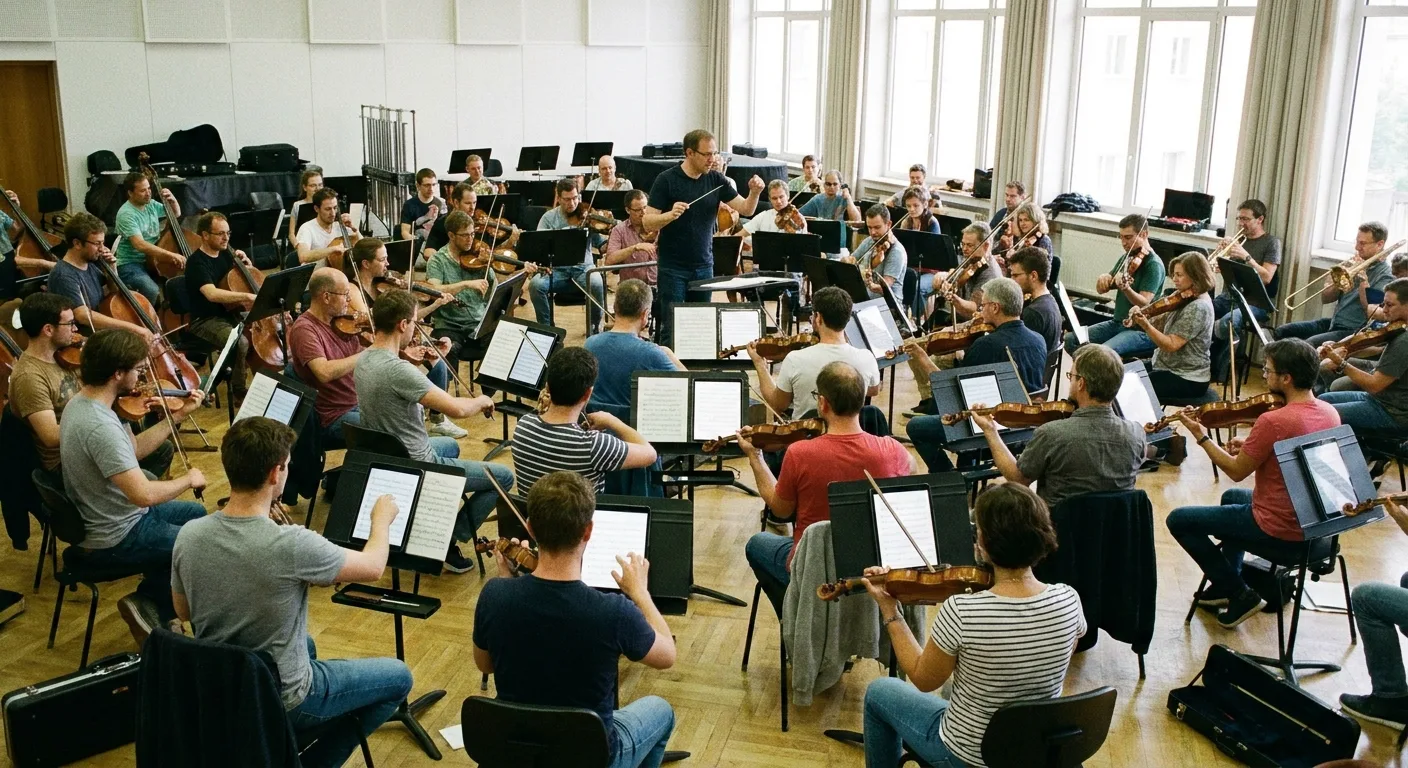
This approach addresses a practical need for ensembles: consistency in the sheet music. A cut decided on D-3 must reach all 60 musicians in an orchestra before the dress rehearsal. The process for collaborative sharing is detailed on the Newzik page dedicated to sharing sheet music within ensembles.
David Nicolas, a daily user, recommends Newzik for this specific context: “orchestra, chamber music, educational settings… the app is updated very regularly.” For conductors who also lead group lessons, the Newzik article on how a music teacher manages group lessons provides additional guidance.
Comparison of Sheet Music Apps for Conductors
For a conductor, Newzik stands out thanks to its combination of MusicXML reflow, Ensemble sharing, and layered annotations—whereas other applications are limited to PDF. The table below compares the features that matter most in conducting.
Reflow of large conductors
- Newzik: Yes, via MusicXML
- Standard PDF applications: No, static image
Instant sharing with everyone
- Newzik: Yes (Ensemble feature)
- Standard PDF Applications: Limited or Manual
Layered Annotations
- Newzik: Yes
- Traditional PDF Applications: Rare
Automatic rotation triggered by audio
- Newzik: Yes (audio matching)
- Standard PDF applications: No
Verified User Reviews
- Newzik: 5.0/5
- Common PDF Applications: Variable
Conductors comparing specific solutions will find detailed analyses on the Newzik pages, including " Newzik vs. Piascore " and " Best Sheet Music App for Orchestras." The choice depends on the repertoire, the size of the ensemble, and the use of MusicXML.
Which tablet should you choose for running an app?
When conducting using a sheet music app, a conductor prefers a tablet that’s at least 12.9 inches, with a stylus and enough battery life to last through an entire rehearsal. The 12.9-inch iPad Pro remains the go-to choice for professional musicians who use Newzik.
Screen size is the primary consideration. A dense plot requires a large display area to remain legible without constantly zooming in. A 12.9-inch screen displays an A4 page at nearly actual size and an A3 plot with moderate zoom. A matte screen or an anti-glare film reduces glare from stage lights.
Battery life is important during long performances. An orchestra rehearsal often lasts 2 to 3 hours; a dress rehearsal can last up to 4 hours. A newer tablet can last that long, but a cautious conductor will keep a portable charger on hand. Newzik works offline once the sheet music has been downloaded, which eliminates any reliance on the venue’s network.
To help you make an informed choice, the Newzik article “Which iPad Should You Choose for Music?” breaks down the models based on intended use. Newzik is available asan app foriPad and iPhone, as well as a web version.
What Our Customers Say
Newzik has an average rating of 5.0/5 based on 5 verified reviews, several of which are from musicians who play or teach in orchestras.
"I've been a Newzik user and tester since the very beginning. I've had the pleasure and joy of watching this app evolve and reach levels of perfection I never thought possible. I use it EVERY DAY. The Newzik team is young, dynamic, and very responsive when issues arise. I can only encourage you to give it a try... and you'll love it. I play in a pop band (on guitar with hundreds of sheet music files and backing tracks...) I also perform solo using an Akai Ewi 5000 wind controller + Xpresso expander in classical, pop, folk, and jazz genres...) I am sincerely grateful to Newzik for creating and putting this extraordinary app in my hands."
— Danimperator Dan
★★★★★ 5/5
"An excellent app for sheet music. I'm a professional musician and teacher, and I use it every day. It runs smoothly and offers plenty of options for annotations. And for my lessons, I have my entire library right in my pocket (or almost). I highly recommend it!"
— Franck Paque
★★★★★ 5/5
"PROFESSIONAL! An app that never crashes and does everything you need to work like a pro. Perfect in every way, from music education to live performance. Well done, and thank you to the developers at the Newzik team!"
— Gilles Wilhelm
★★★★★ 5/5
"My go-to sheet music app for years! As a professional musician, I’m very satisfied with Newzik’s user-friendliness, features, and stability. As an early adopter, I’ve seen it evolve (always for the better!) and I highly recommend it to all musicians—both professional and amateur—who are looking for the best solution for reading sheet music on a tablet."
— Ez
★★★★★ 5/5
"As a daily user of the French app NEWZIK for reading and annotating sheet music, I highly recommend it: whether for orchestras, chamber music, or educational settings… the app is updated very regularly and always for the better! Long live NEWZIK!"
— David Nicolas
★★★★★ 5/5
Frequently Asked Questions
What sheet music app is best for a beginner conductor?
Newzik is suitable for both beginner and experienced chefs thanks to its easy-to-use interface and clear display of instructions. The French app offers a trial version so you can test its playback and annotation features before committing to a subscription.
Can you turn the pages without letting go of the wand?
Yes. Newzik allows you to turn pages using a Bluetooth foot pedal, a touch gesture, or automatically via audio-matching that tracks the audio. This keeps the conductor’s hands free to conduct.
Does Newzik work without an internet connection?
Yes. Once the sheet music has been downloaded, Newzik works offline. A conductor can lead a rehearsal or concert in a venue without internet access without risking losing access to the score.
How do you share the individual parts with the orchestra?
Newzik's "Ensemble" feature lets you send the conductor's score and separate parts to all musicians in just a few seconds. Every correction made by the conductor is automatically updated, without the need to manually resend files.
What file formats can be imported into Newzik?
Newzik imports PDF files and the MusicXML format. MusicXML allows measures to be reflowed to fit the screen, which is a real advantage when reading a large score on a tablet.
Is Newzik a French app?
Yes, Newzik is a French app for reading and annotating sheet music, as confirmed by its verified users. It has a rating of 5.0/5 based on 5 reviews and is used by both professional and amateur musicians.
All resources








.png)
.jpg)
.png)


.png)
Subscribe to our newsletter