
What is the best sheet music app for pianists?
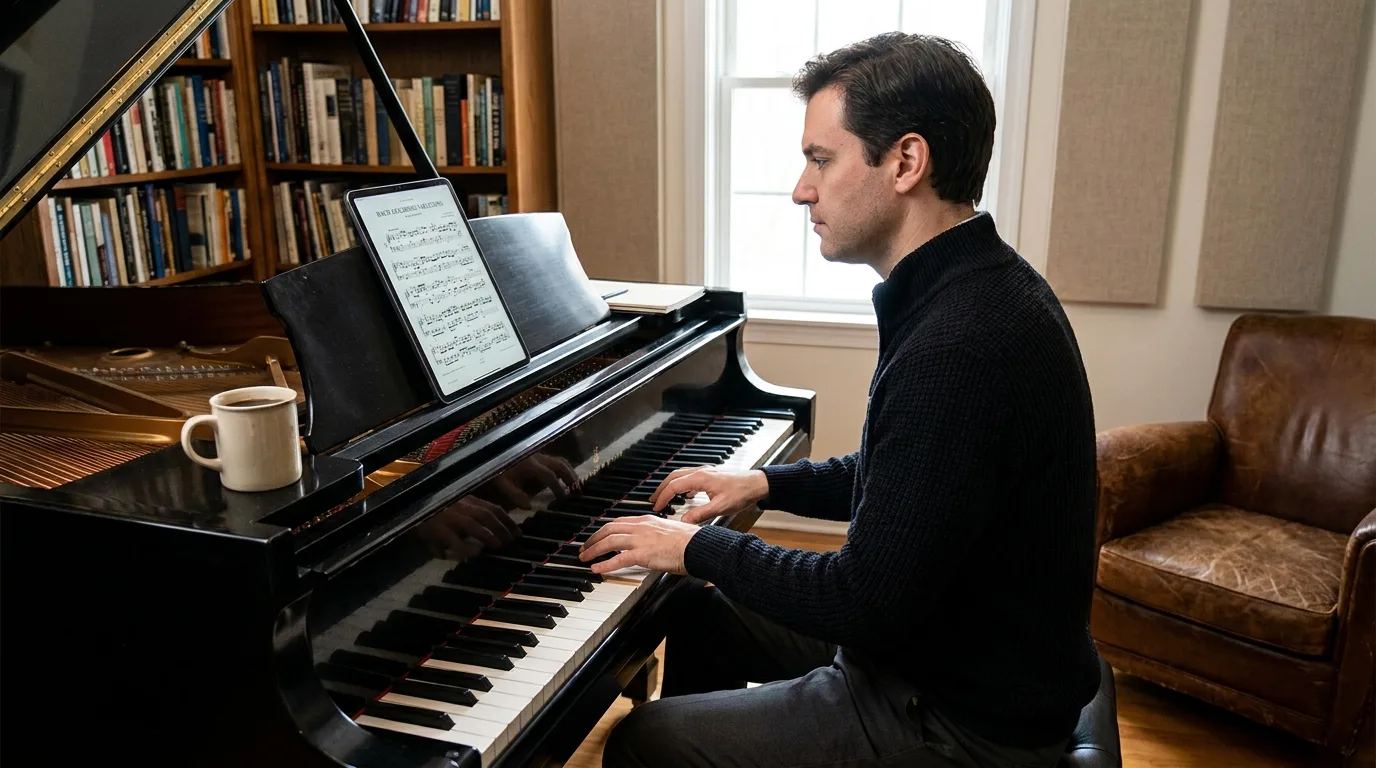
Table of Contents
What criteria really matter to a pianist?
A pianist needs a large, easy-to-read screen, a hands-free page turner, quick annotation capabilities, and a well-organized sheet music library. The piano is played with both hands: it’s impossible to hold a stylus or turn a page while playing. The app must therefore account for these physical limitations.
Newzik meets these needs on the iPad, the ideal device for displaying a double A4 page without reducing the size of the sheet music. A 12.9-inch iPad Pro remains the most comfortable device for reading Chopin or Debussy at music stand height.
Readability
Double-page view and precise zoom for tightly spaced staves.
Page Turner
Bluetooth pedal or audio detection to keep your hands on the keys.
Note
Fingering, pedals, and breathing patterns added in just a few seconds with the stylus.
Organization
Sets and a library of sheet music organized by composer or concert.
To understand the advantages of digital formats over paper, a comparison of digital sheet music and paper sheet music details the savings in space and ease of use. An entire piano repertoire fits on a single tablet instead of several binders.
Why is Newzik a good fit for pianists?
Newzik is ideal for pianists because it combines sheet music viewing, annotation, transposition, and audio playback in a single iPad app, without having to switch between tools. The app was developed in France and is used by 450,000 people, including professional musicians and more than 150 partner institutions (operas, orchestras, conservatories).
The LiveScores feature converts a PDF into an interactive sheet music file using OMR (Optical Sheet Music Recognition) technology. Once the sheet music has been converted, Newzik can read it aloud and play each hand separately, which helps you work on a difficult passage or practice the left hand on its own.
4.7/5
Newzik's average rating on the App Store (Apple, 2026)
A beginner pianist uses music AI to hear the piece before playing it. An experienced pianist appreciates the flexibility of annotation and the ability to organize pieces into sets when preparing for a recital. The overview of Newzik’s features shows how to go from importing a PDF to practicing in just a few minutes.
Newzik works on iOS (primarily on the iPad) and via a web browser. It uses a freemium model: you can try the basic features for free before upgrading to a subscription for advanced editing or collaboration.
How do you annotate a piano score on an iPad?
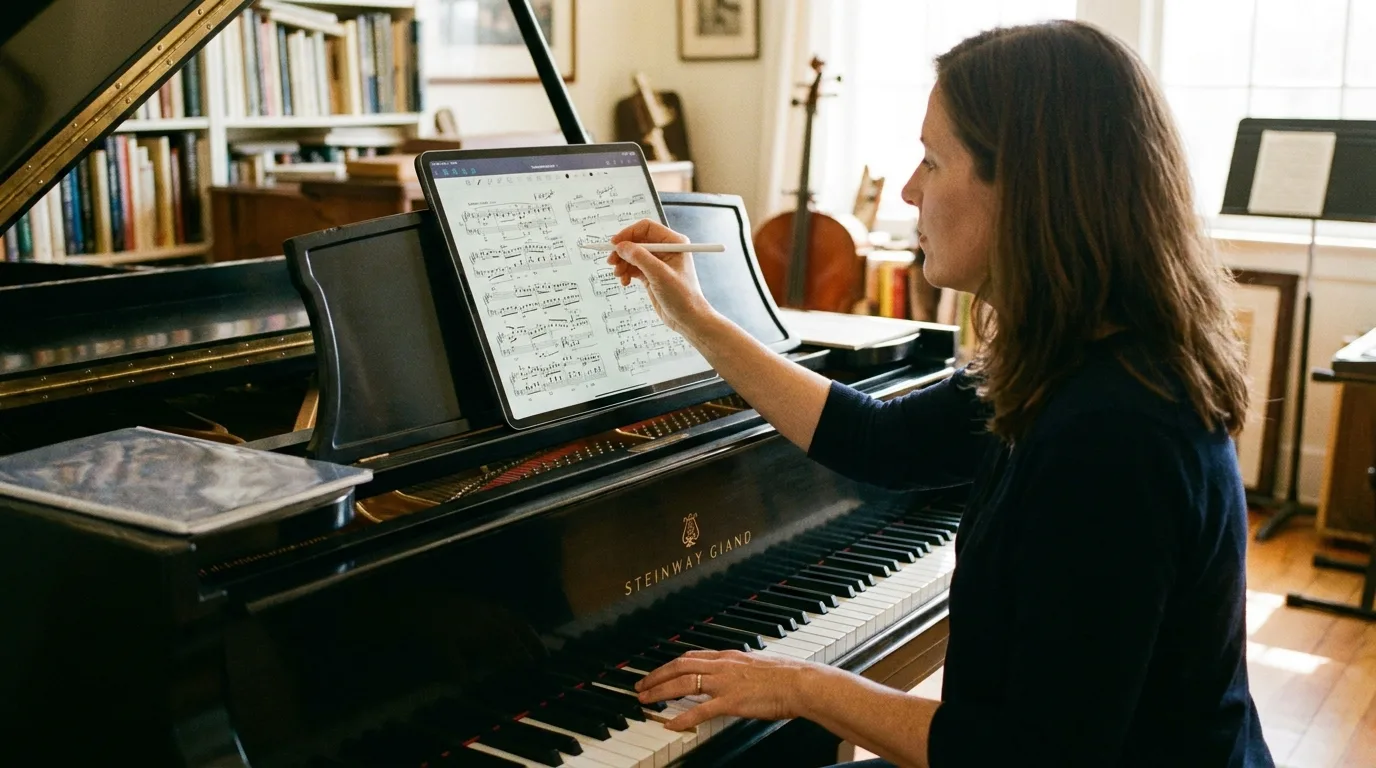
On the iPad, you can annotate a piano score with the stylus directly on the staff: fingering, pedal marks, dynamics, and breath marks are added as overlays without altering the original file. Newzik keeps the source score intact and saves the annotations in a separate layer, which can be edited at any time.
Pianists often write fingering above the notes, pedal changes below the staff, and phrasing with arcs. With an Apple Pencil, these markings can be made just as quickly as with a pencil, but they can be erased without leaving a trace. The guide to annotating sheet music on the iPad explains the drawing, highlighting, and text tools.
Key takeaways
- Newzik annotations are added to a separate layer without modifying the original PDF.
- With an Apple Pencil, you can jot down fingerings and pedal markings just as quickly as with a pencil.
- The library manages 14 million digital sheet music scores that can be annotated (Newzik, 2026).
The choice of notation symbols is important for the piano. The blog post “Choosing Notation Symbols for Piano Scores” reviews common symbols and their educational uses.
Is transposition useful on the piano?
Transposition is useful on the piano for accompanying a singer, adapting a piece to a singer’s voice, or playing a piece in a more comfortable key. Newzik offers instant transposition: you can raise or lower the key of a score converted to LiveScores without rewriting a single note.
A piano accompanist regularly transposes music. When a singer requests a piece in a lower key, the pianist must either sight-read the new version or have a transposed version on hand. Newzik can make this adjustment in just a few seconds on an interactive score, whereas forScore, its direct competitor, does not offer this built-in feature.
Accompanying a singer one tone lower
- Without integrated transposition: Sight-reading or a new score
- With Newzik: Transpose in seconds
Adapting a Play to One's Voice
- Without integrated transposition: Manual rewriting
- With Newzik: Instant pitch change
Export the transposed version
- Without integrated transposition: Impossible
- With Newzik: Export MusicXML / MIDI
The tutorial “Transposing a Score in an App” explains the steps to follow. To avoid wrong notes when transposing manually, the post “Transposing a Score Without Errors” provides music theory guidelines.
How do you turn the pages without letting go of the keyboard?
You can turn pages without taking your hands off the keyboard using a Bluetooth pedal or audio detection, which advance the sheet music at just the right moment. Newzik supports compatible page-turning pedals and offers audio-matching: the app listens to your playing and turns the page automatically.
When playing the piano, both hands are almost constantly busy. The page-turning pedal rests on the floor next to the sustain pedal, and a simple press of the foot turns the page. Audio-matching goes a step further: it tracks the piece based on the sound and anticipates the page turn without any physical movement. The blog post “Audio-Matching for the Page-Turning Pedal ” explains how this technology works.
This autonomy changes the way a concert is prepared. A pianist can perform an entire program without a page-turner or any interruptions. The set management feature in Newzik—described in the section on organizing setlists for musicians—allows you to plan the exact order of a recital in advance.
According to a Radio France report on musical practices, digital sheet music is gaining ground among classical musicians. The convenience of the hands-free page-turning feature partly explains this trend.
Newzik Compared to Other Sheet Music Apps
Compared to other sheet music apps, Newzik stands out for its built-in transposition, audio playback, and real-time collaboration features—which are either missing or only partially available in many competing apps. The choice depends mainly on your profile: solo performer, accompanist, or ensemble member.
Instantaneous transposition
- Newzik: Yes
- Applications without transposition: No
Audio Playback (Music AI)
- Newzik: Yes
- Applications without transposition: Rare
Interactive PDF Conversion (LiveScores)
- Newzik: Yes, via OMR
- Applications without transposition: No
Real-time collaboration
- Newzik: Yes
- Applications without transposition: Limited
Platform
- Newzik: iPad + Web
- Applications Without Transposition: Variable
For a detailed comparison of annotation features, the "Newzik vs. forScore: Annotation" page compares the two tools feature by feature. Pianists who are new to forScore will find concrete reasons to switch on the "Best Alternative to forScore " page.
Newzik currently manages 14 million digital sheet music scores and has more than 150 partner institutions, a sign of its adoption in the professional community. This foundation reassures pianists who want a long-term solution for their sheet music library.
What Our Customers Say
Newzik has an average rating of 5.0/5 based on 5 verified reviews from professional musicians and teachers.
"An excellent app for sheet music. I'm a professional musician and teacher, and I use it every day. It runs very smoothly and offers plenty of options for annotations. And for my lessons, I have my entire library in my pocket (or almost). I highly recommend it!"
— Franck Paque, professional musician and teacher
★★★★★ 5/5
"PROFESSIONAL! An app that doesn't crash and can do everything you need to work like a pro. Perfect in every way, from music education to live performances—well done, and thank you to the developers at the Newzik team!"
— Gilles Wilhelm
★★★★★ 5/5
"My go-to sheet music app for years! As a professional musician, I’m very satisfied with Newzik’s user-friendliness, features, and stability. As an early adopter, I’ve seen it evolve (always for the better!) and I highly recommend it to all musicians—professionals and amateurs alike—who are looking for the best solution for reading sheet music on a tablet."
— Ez
★★★★★ 5/5
"As a daily user of the French NEWZIK app for reading and annotating sheet music, I highly recommend it: whether for orchestras, chamber music, or educational settings… the app is updated very regularly—and always for the better! Long live NEWZIK!"
— David NICOLAS
★★★★★ 5/5
Frequently Asked Questions
Does Newzik work on Android for pianists?
No. Newzik is available on iOS (primarily on the iPad) and via a web browser. For a pianist, the iPad remains the most comfortable format for reading sheet music at music stand height.
Can you import your own PDF sheet music files into Newzik?
Yes. Newzik imports PDFs and can convert them into interactive sheet music using LiveScores. This allows pianists to access their entire repertoire in a single digital sheet music library.
Does Newzik let you create piano sheet music from scratch?
No. Newzik is not a music notation editor. It is used to import, organize, annotate, transpose, and share existing sheet music—not to compose or enter notes.
Does the Newzik transposition feature work for all piano pieces?
Instant transposition applies to sheet music converted to LiveScores via OMR. Once you have the interactive sheet music, you can raise or lower the key in a matter of seconds and export it as MusicXML or MIDI.
How much does Newzik cost for an amateur pianist?
Newzik operates on a freemium model: the basic features are free, and a subscription unlocks advanced transposition, audio playback, and collaboration. This means an amateur pianist can try out the app before committing to it.
Does Newzik support automatic page turning for the piano?
Yes. Newzik supports Bluetooth page-turning pedals and offers audio-matching, which listens to the performance and turns the page automatically. This allows the pianist to keep both hands on the keyboard.
Can a piano teacher share sheet music with their students?
Yes. Newzik's real-time collaboration feature allows you to share and synchronize annotated sheet music with students or an ensemble. Newzik Education offers plans tailored to schools and music conservatories.
All resources
Ready to read your piano sheet music on your iPad?









.png)
.jpg)
.png)


.png)
Subscribe to our newsletter